Virtual Numbers & SMSJuly 27, 2026· by 247Boostr
Rent a Number: keep a virtual number for hours or days
Rent Number lets you hold the same virtual number for a set period and receive multiple SMS. Here's when and how to use it.
Rent a Number
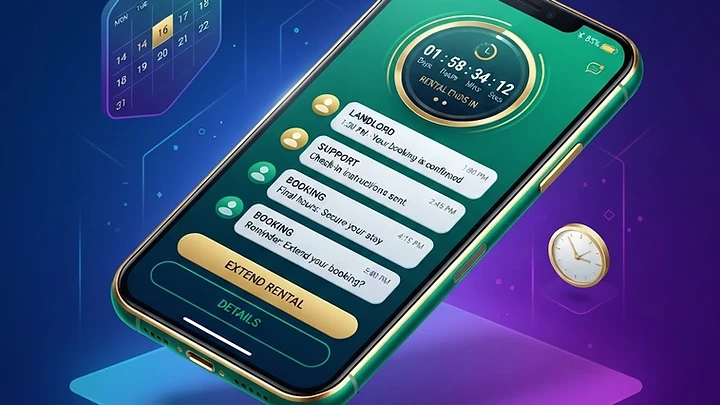
Rent Number keeps one virtual phone number yours for a set period — hours or days — so it can receive multiple SMS from different senders.
When to choose it
- A service sends a second OTP later (login from a new device, withdrawal confirmation).
- You're running a short campaign and want replies on one number.
- You want to receive a few different codes without buying a new number each time.
How to rent
- Open Virtual Number and select Rent Number.
- Choose the country and the rental duration (e.g. 20 minutes, 4 hours, 1 day).
- Pay from your wallet — the number is yours immediately.
- Use it wherever you need; every incoming SMS shows up in 247Boostr.
- You can extend the rental if you need more time, or enable auto-renew so it doesn't expire mid-use.
Tips
- Keep an eye on the countdown; once it expires the number is released.
- Enable auto-renew if the number is critical and you can't risk losing it.
- For lots of verifications for a single app, Rent Service is usually cheaper than repeated Rent Number.
#rent number#rental#virtual number